


How to Get Google Reviews for Dubai Business — The Complete Guide
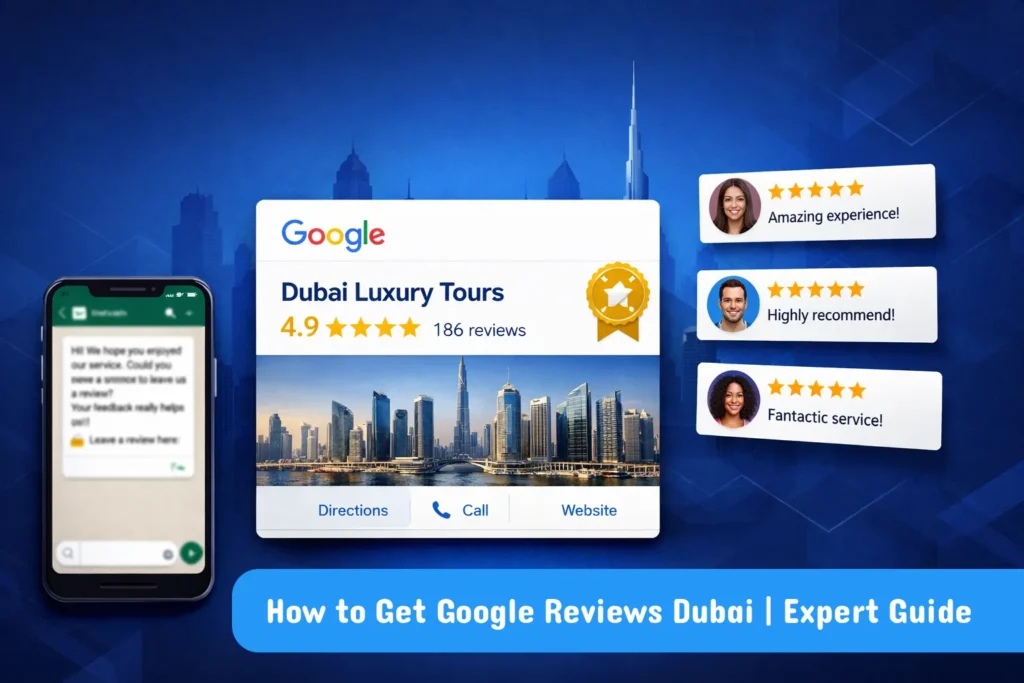
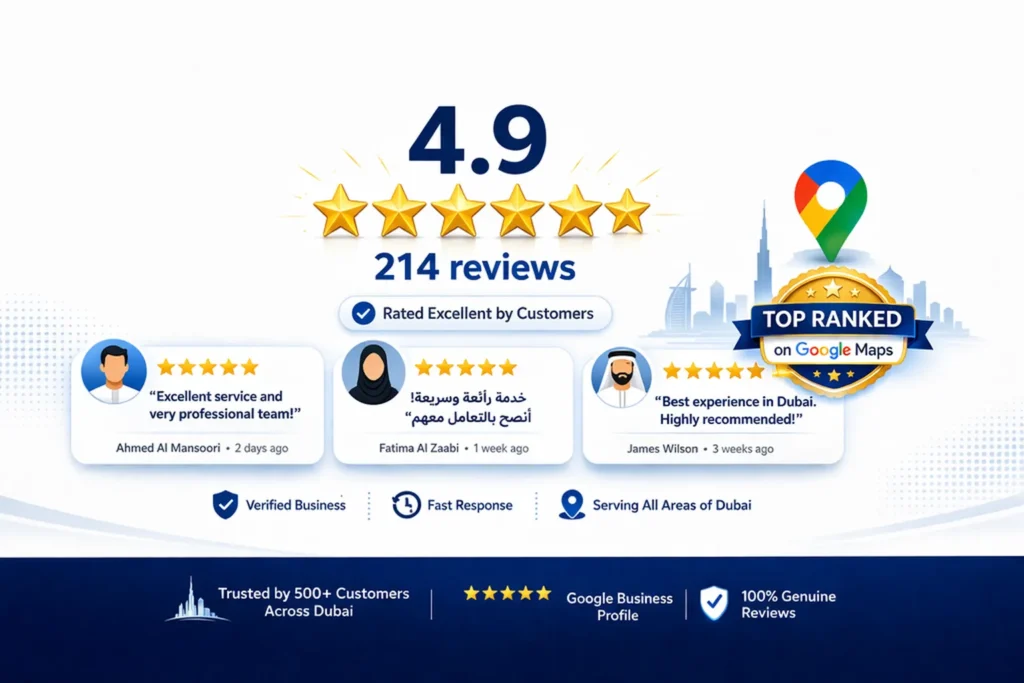
When a potential customer in Dubai searches for your type of business, the first thing they look at — before your website, before your location, before your prices — is your Google reviews. A business with 150 five-star reviews will win the customer almost every time over a competitor with 12 reviews and no responses, even if the competitor is technically better.
Understanding how to get Google reviews Dubai-style — fast, ethically, and at scale — is one of the highest-leverage activities any local business can invest in. This guide covers everything: how to collect reviews, how to handle negative ones, what Google allows and what it does not, and the exact systems that work in the UAE market.
| Key Takeaway Google reviews are a direct local ranking factor and the most powerful trust signal for Dubai businesses. The fastest way to get Google reviews in Dubai is WhatsApp — send a direct review link to every satisfied customer within 2 hours of service. Businesses that collect 10 to 15 new reviews per month consistently outrank competitors in Google Maps, earn more customer trust, and convert more website visitors into paying customers. |
Why Google Reviews Matter More in Dubai Than Almost Anywhere Else
Dubai’s consumer market is unique. It is one of the most competitive, cosmopolitan, and review-conscious markets in the world. With over 200 nationalities living and working in the UAE, customers rely heavily on reviews because they often cannot rely on personal recommendations from their local network.
● 93% of consumers say online reviews influence their purchasing decisions (BrightLocal, 2024)
● Businesses with a rating above 4.5 stars receive significantly more enquiries than those below 4.0
● Google reviews are one of Google’s top three local ranking factors — directly influencing your Google Maps position
● Review recency matters as much as volume — a business with 20 reviews from last month ranks above one with 200 reviews from two years ago
● 46% of all Google searches have local intent — meaning nearly half of all searches result in someone evaluating local businesses by their reviews
For Dubai businesses specifically, Google reviews feed directly into your local search visibility. Our google my business seo services in dubai includes a complete review management strategy — because without a strong review profile, even the most optimised GBP will underperform against competitors with better review signals.
How to Leave a Google Review — What Your Customers Need to Know
Before asking customers for reviews, it helps to understand the process they go through. Many customers want to leave a review but do not know how. Here is the simple process:
How to Write a Review on Google — Desktop
1. Search for the business name on Google.com.
2. Find the business listing on the right side of the search results.
3. Click on the star rating or scroll down to ‘Reviews’.
4. Click ‘Write a review’.
5. Select a star rating, write the review text, and click ‘Post’.
How to Write a Review on Google — Mobile
1. Open Google Maps on your phone.
2. Search for the business name.
3. Tap the business listing.
4. Scroll down to ‘Reviews’ and tap ‘Write a review‘.
5. Select stars, write your review, and tap ‘Post’.
The simplest solution: generate a direct review link from your Google Business Profile dashboard and send it to customers. When they click the link, it takes them directly to the review screen — skipping all the steps above. This dramatically increases review conversion rates.
How to Get Google Reviews Dubai — 7 Proven Collection Strategies
Here are the most effective methods for collecting Google reviews for Dubai businesses, ranked by conversion rate and practical suitability for the UAE market:
Strategy 1: WhatsApp Review Request (The Dubai Gold Standard)
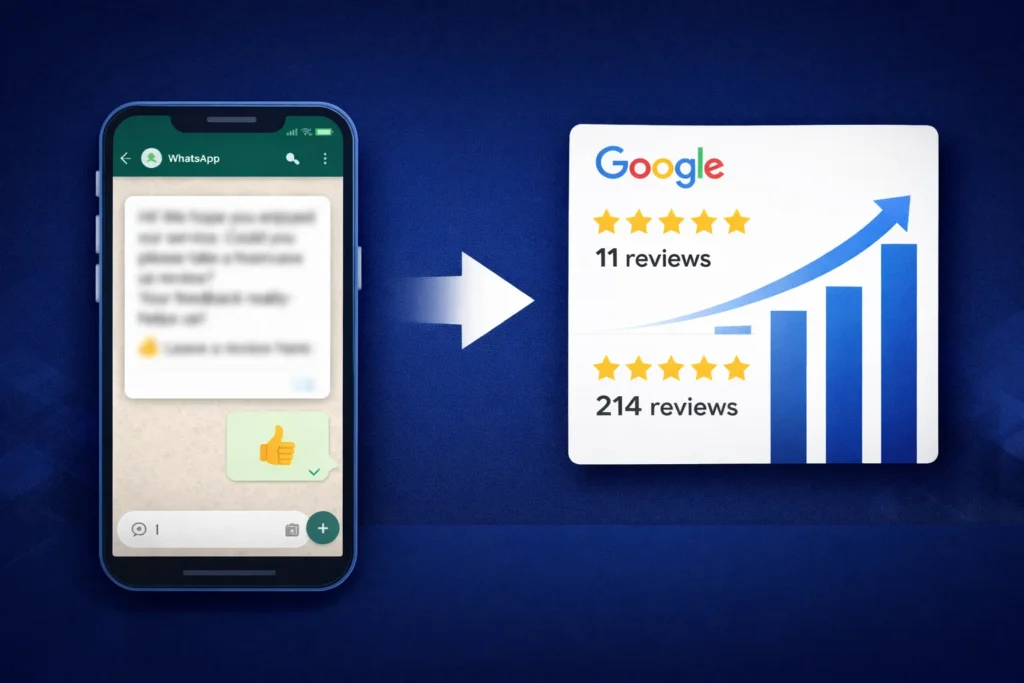
WhatsApp is the dominant communication platform in the UAE — used by over 85% of the population for personal and business communication. Sending a review request via WhatsApp is by far the most effective collection method for Dubai businesses, achieving conversion rates of 25 to 40%.
The process: within 2 hours of completing a service or sale, send a personalised WhatsApp message to the customer. Include their name, a brief thank you, and a direct link to your GBP review page. Keep it short, warm, and personal — not corporate.
| Sample WhatsApp Review Request Template Hi [Customer Name]! Thank you so much for choosing [Your Business Name] — it was a pleasure serving you today. If you have a moment, we would really appreciate it if you could share your experience on Google. It only takes 30 seconds and genuinely helps our business grow: [DIRECT REVIEW LINK]. Thank you! |
Strategy 2: SMS Review Request
For businesses with customer phone numbers, SMS achieves 12 to 20% review conversion rates — significantly higher than email. SMS messages are read within 3 minutes on average, making them ideal for immediate post-service review requests. Keep the message under 160 characters and include the direct review link.
Strategy 3: Email Follow-Up Sequence
For B2B businesses and e-commerce, a well-timed email review request achieves 8 to 15% conversion rates. Send the first request within 24 hours of service completion, and a gentle follow-up 5 to 7 days later if no review was left. Use a friendly subject line — ‘Your feedback matters to us, [Name]’ — and a clear, single call-to-action button linking directly to your review page.
Strategy 4: QR Code at Your Location
For restaurants, clinics, salons, retail stores, and any business with a physical location, a QR code displayed prominently at the payment counter, on the receipt, or on a table card makes it easy for customers to leave a review during or immediately after their visit. A simple card reading ‘Enjoyed your visit? Tell Google about it!’ with a scannable QR code generates a consistent passive stream of reviews.
Strategy 5: Invoice and Receipt Integration
For service businesses that send invoices — contractors, consultants, agencies — including a review request link in the invoice footer is an excellent passive collection method. When a client pays their invoice — a moment of satisfaction — they are primed to share positive feedback.
Strategy 6: Team Training and In-Person Requests
Train every customer-facing team member to verbally request a Google review at the right moment. The right moment is immediately after a positive interaction — when the customer expresses satisfaction. Script: ‘We are so glad you had a great experience. If you ever have a moment, a Google review from you would mean the world to us — I can send you a link on WhatsApp right now if you like.’ This combines verbal request with an immediate WhatsApp follow-through.
Strategy 7: Review Request in Onboarding and Thank You Emails
For subscription businesses, agencies, and consultancies, include a review request in your client onboarding sequence (after the first successful milestone) and in thank-you emails after project completion. Time the request for peak satisfaction — the moment a client sees their first positive result is the optimal time to ask.
Review Collection Method Comparison — Which Works Best in Dubai?
Here is a comprehensive comparison of every review collection method for Dubai businesses:
| Method | Conversion Rate | Best For | Speed |
| WhatsApp Direct Link | 25–40% | All businesses UAE | Immediate |
| Email Follow-up | 8–15% | B2B, e-commerce | 1–2 days |
| SMS / Text | 12–20% | Service businesses | Immediate |
| In-Person Verbal Ask | 3–8% | Retail, restaurants | Variable |
| QR Code at Location | 5–12% | Restaurants, clinics | On visit |
| Website Review Widget | 2–5% | E-commerce, SaaS | Passive |
| Receipt / Invoice Link | 4–8% | Service, retail | Post-purchase |
For most Dubai businesses, WhatsApp is the clear winner — integrate it into your operations as a standard post-service process rather than a one-off campaign.
How to Search Google Reviews — Managing Your Review Profile
How to search Google reviews effectively allows you to monitor your reputation, respond promptly, and identify patterns in customer feedback. Here is how to find and manage your reviews:
Searching Reviews in Google Business Profile Dashboard
1. Go to business.google.com and log in.
2. Select your business profile.
3. Click ‘Reviews’ in the left menu.
4. Use the filter options to sort by rating (1-star to 5-star), response status, or date.
5. Use the search bar to find reviews mentioning specific keywords — product names, staff names, or service types.
Setting Up Alerts for New Reviews
Set up Google Alerts for your business name so you are notified any time a new review or mention appears online. In your GBP settings, enable email notifications for new reviews so you can respond within 24 hours — a response rate and speed that Google factors into your ranking.
How to Get a Google Review Removed — The Complete Guide
Understanding how to get a bad Google review removed is essential knowledge for any Dubai business owner. There are two distinct situations: reviews that violate Google’s policies (which can be removed) and legitimate negative reviews (which cannot be deleted but can be managed).
What Types of Reviews Can Google Remove?
Google will remove reviews that violate its content policies. Removable reviews include:
● Spam or fake reviews — reviews from accounts that appear to be fake or purchased
● Off-topic reviews — content that has nothing to do with the business experience
● Illegal content — reviews containing defamatory statements, hate speech, or content that violates laws
● Conflicts of interest — reviews from current or former employees, competitors, or the business owner themselves
● Sexually explicit content or profanity
● Personal attacks or harassment targeting staff
How to Get a Google Review Removed — Step by Step
1. Go to your Google Business Profile dashboard at business.google.com.
2. Click ‘Reviews’ in the left menu.
3. Find the review you want to report.
4. Click the three-dot menu next to the review.
5. Select ‘Report review’.
6. Choose the reason that best describes the policy violation.
7. Submit the report. Google will review it and respond via email within 3 to 5 business days.
If Google does not remove the review after the initial report, you can escalate by contacting Google Business Profile support directly and providing additional evidence of the policy violation.
Can Businesses Delete Google Reviews?
No — businesses cannot directly delete Google reviews. Only Google can remove a review, and only if it violates their content policies. What you can do is: report policy-violating reviews for removal, respond professionally to all reviews, and build a volume of positive reviews that outweighs any negative ones.
How to Get Rid of a Bad Google Review — If It Cannot Be Removed
If a negative review is genuine and does not violate any policies — meaning Google will not remove it — the best approach is a combination of professional response and proactive positive review building:
1. Respond professionally and empathetically — acknowledge the customer’s experience, apologise for any shortcoming, and offer to resolve the issue offline.
2. Take the resolution offline — provide a phone number or email and invite the customer to continue the conversation privately.
3. If the issue is resolved to the customer’s satisfaction, they may update or remove their own review voluntarily.
4. Build positive review volume — a single 2-star review has far less impact when surrounded by 200 five-star reviews.
How to Dispute a Google Review — The Escalation Process
How do you dispute a Google review that Google has not removed despite reporting it? Here is the escalation process:
1. Re-report the review — go back to the review and report it again, selecting a different or more specific violation category.
2. Contact Google Business Profile Support — go to support.google.com/business, select ‘Contact Us’, and describe the situation with specific evidence of the policy violation.
3. Use the Google Business Profile community forum — sometimes Google representatives actively monitoring the forum can escalate removal requests.
4. If the review contains defamatory or illegal content — consult a UAE legal professional about your options under UAE defamation law, which provides stronger protections than many other jurisdictions.
Pro Tip: When escalating a review dispute with Google, always provide specific evidence: screenshots showing the reviewer has no purchase history, evidence the reviewer is a competitor or former employee, or links to the same review text posted across multiple businesses. Specific evidence significantly increases removal success rates compared to general complaints.
Why Are Google Reviews Disappearing — And What to Do About It
Google reviews disappearing is a common and frustrating problem for Dubai businesses. Understanding why it happens helps you prevent it and recover lost reviews.
Common Reasons Google Reviews Disappear
● Google’s spam filter: Google’s algorithm automatically removes reviews it suspects are spam — including reviews from accounts with no prior activity or that were posted too quickly after others.
● Reviewer deleted their Google account: When a reviewer deletes their Google account, all their reviews disappear.
● Reviewer deleted the review themselves: Any reviewer can delete their own review at any time.
● Google algorithm updates: Google periodically updates its spam detection, which can result in previously visible reviews being filtered out.
● Violation flags accepted by Google: If a competitor or customer reports your review for a policy violation and Google agrees, the review may be removed.
What to Do When Reviews Disappear
If legitimate reviews are being filtered by Google’s spam system, the most common cause is that reviewers left their review from a WiFi network associated with your business, or multiple reviews were posted in a short timeframe — both of which trigger spam filters. Ask affected customers to repost their review from their home or mobile data connection, and ensure reviews are collected over a natural spread of time rather than in bulk campaigns.
Can You Buy Google Reviews — Why This Is a Dangerous Mistake
The question of whether to buy google reviews comes up frequently for Dubai businesses looking for shortcuts. The clear answer: never buy Google reviews. Here is exactly why it is dangerous:
● Google detects purchased reviews: Google’s spam detection algorithms identify patterns consistent with purchased reviews — accounts with no history, reviews posted in clusters, identical IP addresses. Purchased reviews are almost always eventually removed.
● GBP suspension risk: Businesses caught purchasing reviews risk having their entire Google Business Profile suspended — losing all their legitimate reviews, their ranking position, and their visibility in Google Maps.
● UAE legal risk: Fake reviews constitute deceptive business practices under UAE consumer protection laws. The penalties can include fines and reputational damage far worse than the original problem.
● Customer trust damage: Sophisticated customers can identify patterns of fake reviews — generic language, reviewer accounts with no history, all reviews posted on the same day. Being caught damages your brand irreparably.
Equally, can you remove negative reviews on google that are genuine? No — and attempting to do so through fake flagging or buying competing fake reviews is a violation of Google’s policies. The only legitimate path is to earn authentic positive reviews that build your reputation honestly.
What Is the Google Verified Reviews Symbol?
The Google verified reviews symbol is a small badge or indicator that appears on some Google listings confirming that reviews have been verified as coming from genuine customers who completed a transaction. For most standard Google Business Profile listings, all reviews are visible without a specific verification badge — Google’s verification is built into their spam-detection system.
Some industries and platforms — particularly hotels on Google Travel and certain e-commerce integrations — display verified purchase badges on reviews. For standard GBP listings in Dubai, the credibility signal comes from review volume, rating, recency, and the authenticity indicators Google’s algorithm evaluates automatically.
Expert Insight: Google Review Strategy in the Dubai Market
Expert Insight — 10 Years Managing Google Reviews in UAE
After helping hundreds of Dubai businesses build their Google review profiles from single digits to hundreds of five-star reviews, I have learned that the single most important factor is not the script you use or the timing of your request — it is genuinely delivering an experience worth reviewing. Businesses that consistently deliver exceptional service collect reviews almost effortlessly once they have a system in place. In the UAE market, I have also found that bilingual review responses — responding in both English and Arabic when appropriate — significantly increase trust signals for businesses serving Arabic-speaking customers. A GBP with thoughtful responses in both languages signals cultural awareness and attentiveness that resonates deeply in this market.
Real Case Study: How a Dubai Spa Went From 11 to 214 Google Reviews in 6 Months
A luxury day spa in Dubai Marina had been operating for three years with only 11 Google reviews — despite serving hundreds of clients per month. They had never asked for reviews and assumed satisfied customers would review them spontaneously. They were ranking in position 9 for ‘spa Dubai Marina’ — invisible to most local searchers.
Here is the review system we implemented over 6 months:
1. Created a direct GBP review link and added it to the staff’s WhatsApp contacts as a quick-send.
2. Trained all 8 therapists and reception staff to send a WhatsApp review request within 1 hour of every client’s treatment completion.
3. Designed a branded QR code card placed on every treatment room door and at the reception checkout.
4. Added the review link to every appointment confirmation and follow-up email.
5. Set up a weekly check-in to respond to all new reviews within 6 hours.
6. Established a monthly review count target and celebrated milestones with the team.
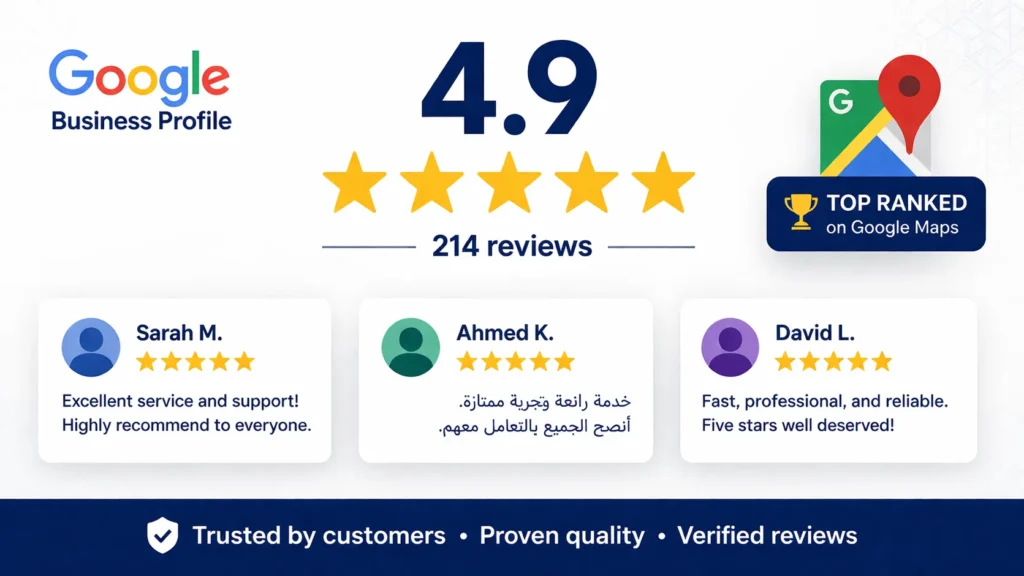
Results after 6 months: Reviews grew from 11 to 214 — with an average rating of 4.9 stars. The spa jumped from position 9 to position 2 in the Google Maps Local Pack for ‘spa Dubai Marina’. Monthly new bookings from Google Search and Maps grew by 340%. Revenue from Google-sourced new customers increased by AED 142,000 in the 6-month period. The cost of implementation: zero — just staff training and 2 hours of system setup.
Related Guides to Strengthen Your Local Search Presence
Google reviews are most powerful when combined with a complete local SEO strategy. These guides help you build the full picture:
● What is Local SEO — Understand how Google reviews fit into the broader framework of local search optimisation.
● Why Your Business Is Not Showing on Google Maps — Diagnose and fix every reason your business is invisible in local search.
● How to Increase Organic Traffic — SEO Expert Guide — Build the organic search presence that complements your local review strategy.
Conclusion: Build Your Google Review System Today
Learning how to get Google reviews Dubai businesses actually use to dominate local search is not about clever tricks or shortcuts. It is about building a simple, consistent system that makes review collection a natural part of how you serve your customers.
The businesses with 200 five-star reviews did not get there by accident. They got there because someone made a decision to ask every satisfied customer — consistently, every single day — for a review. That decision, implemented through WhatsApp, QR codes, and staff training, is available to every business reading this guide right now.
Start with your direct review link. Share it with your next 10 satisfied customers. Respond to every review you receive. Build the habit into your operations. Within 3 months, you will have more reviews than most of your competitors have collected in years.
Need expert help building a complete Google review strategy and local search presence for your Dubai business? Our team at seo agency dubai creates customised review collection systems and local SEO strategies that put Dubai businesses at the top of Google Maps. Get your free local SEO audit today.
Frequently Asked Questions — How to Get Google Reviews Dubai
How do I get more Google reviews for my Dubai business?
The most effective method for Dubai businesses is WhatsApp — send a direct review link to every satisfied customer within 2 hours of service completion. Combine this with QR codes at your location, review links in invoices and emails, and staff training to verbally request reviews at moments of peak customer satisfaction. Consistency is key — build review collection into your daily operations.
How to leave a Google review for a Dubai business?
Search for the business on Google or Google Maps, find the listing, click on the star rating or ‘Write a review’ button, select a star rating, write your feedback, and click ‘Post’. The fastest way is to click a direct review link shared by the business — which takes you straight to the review screen in two clicks.
Can businesses delete Google reviews?
No — businesses cannot delete Google reviews. Only Google can remove a review, and only if it violates Google’s content policies (spam, fake reviews, offensive content, conflicts of interest). Legitimate negative reviews cannot be deleted. The best response is to reply professionally and build a strong volume of positive reviews that contextualises any negative feedback.
How to get a Google review removed?
Go to your GBP dashboard, find the review, click the three-dot menu, select ‘Report review’, choose the appropriate policy violation reason, and submit. Google will review within 3 to 5 business days. If not removed, escalate by contacting GBP support directly with specific evidence of the policy violation.
Can Google remove reviews?
Yes — Google regularly removes reviews that violate its content policies, including spam, fake reviews, off-topic content, conflicts of interest, and illegal content. Google’s automated spam filter also removes reviews it identifies as inauthentic. Legitimate reviews from genuine customers are generally not removed unless flagged and verified as policy violations.
Why are my Google reviews disappearing?
Google reviews disappear most commonly because Google’s spam filter flagged them (often triggered by multiple reviews from the same WiFi network or in a short time period), the reviewer deleted their account, the reviewer deleted their own review, or a Google algorithm update reclassified them. Ask affected reviewers to repost from their personal mobile data connection to avoid spam filter triggers.
How do you dispute a Google review?
Report it through your GBP dashboard using the three-dot menu next to the review. If the first report fails, contact Google Business Profile support directly and provide specific evidence of the policy violation — account screenshots, proof of no customer relationship, or evidence of the reviewer being a competitor. For defamatory content in the UAE, consult a legal professional about options under UAE defamation law.
Can you remove negative reviews on Google?
Only if they violate Google’s content policies. Genuine negative reviews from real customers cannot be removed by the business owner. The professional approach: respond thoughtfully and empathetically, offer to resolve the issue offline, and focus on building a high volume of positive reviews that puts any negative ones in context.
Can you buy Google reviews?
You can buy them — but you absolutely should not. Purchased reviews are regularly detected and removed by Google’s spam algorithms, and the consequences include GBP suspension (losing all your legitimate reviews and Maps ranking), reputation damage when customers notice fake review patterns, and potential legal exposure under UAE consumer protection law. Always build reviews ethically.
What is the Google verified reviews symbol?
The Google verified reviews symbol indicates that reviews have been verified as coming from customers who completed a verified transaction. For standard GBP listings, Google’s spam detection provides this verification automatically — there is no separate badge for most businesses. Some specific platforms (Google Travel hotels, certain e-commerce integrations) display explicit verification badges.
How many Google reviews do I need to rank in the Dubai Local Pack?
There is no fixed minimum — the requirement depends entirely on your competitors. Check the top 3 Local Pack positions for your target keywords and see how many reviews they have. You generally need to match or exceed the review count of your strongest competitor while maintaining a higher or equal star rating. Our local seo services dubai includes competitive review analysis as part of every local SEO strategy.
How should I respond to negative Google reviews?
Respond within 24 hours. Acknowledge the customer’s experience without being defensive. Apologise for any genuine shortcoming. Offer a specific resolution and invite them to continue the conversation offline (phone or email). Keep your response professional and brief — long defensive responses can damage your reputation further. Never argue with a reviewer publicly.
How long does it take for Google reviews to show up?
Most Google reviews appear within a few hours of being posted. Some reviews — particularly those from new Google accounts or those posted from networks associated with the business — may be held by Google’s spam filter for review, which can take 24 to 72 hours. If a review does not appear within a week, it has likely been filtered by Google’s spam detection.
What is the best review request message for Dubai customers?
Keep it personal, brief, and warm — formal corporate language does not perform well in the UAE market. Use the customer’s name, thank them specifically for their visit or purchase, explain why the review matters to your business, and include a direct link. In WhatsApp specifically, a message of 2 to 3 sentences with a link achieves the highest conversion rates.
How do I get a direct Google review link for my business?
Log in to your GBP dashboard at business.google.com, select your business, and look for ‘Get more reviews’ or ‘Share review form’ in the overview section. Copy the link provided — this takes customers directly to the review submission screen. You can also shorten this URL using bit.ly or a branded URL shortener for cleaner sharing in WhatsApp and SMS. Our seo agency provides complete citation building and management as part of every local SEO campaign.